

.png?w=1254&h=1254)
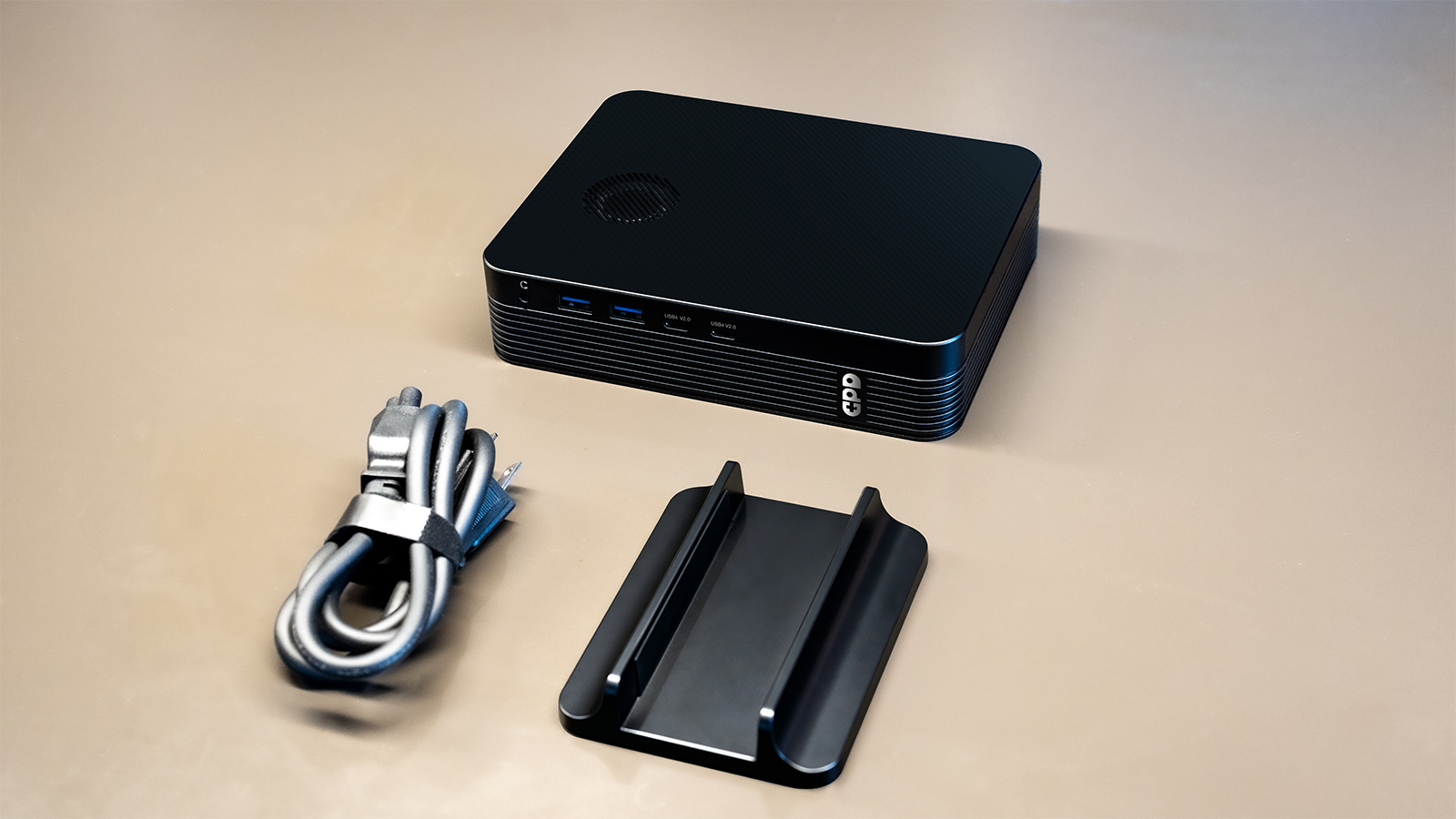
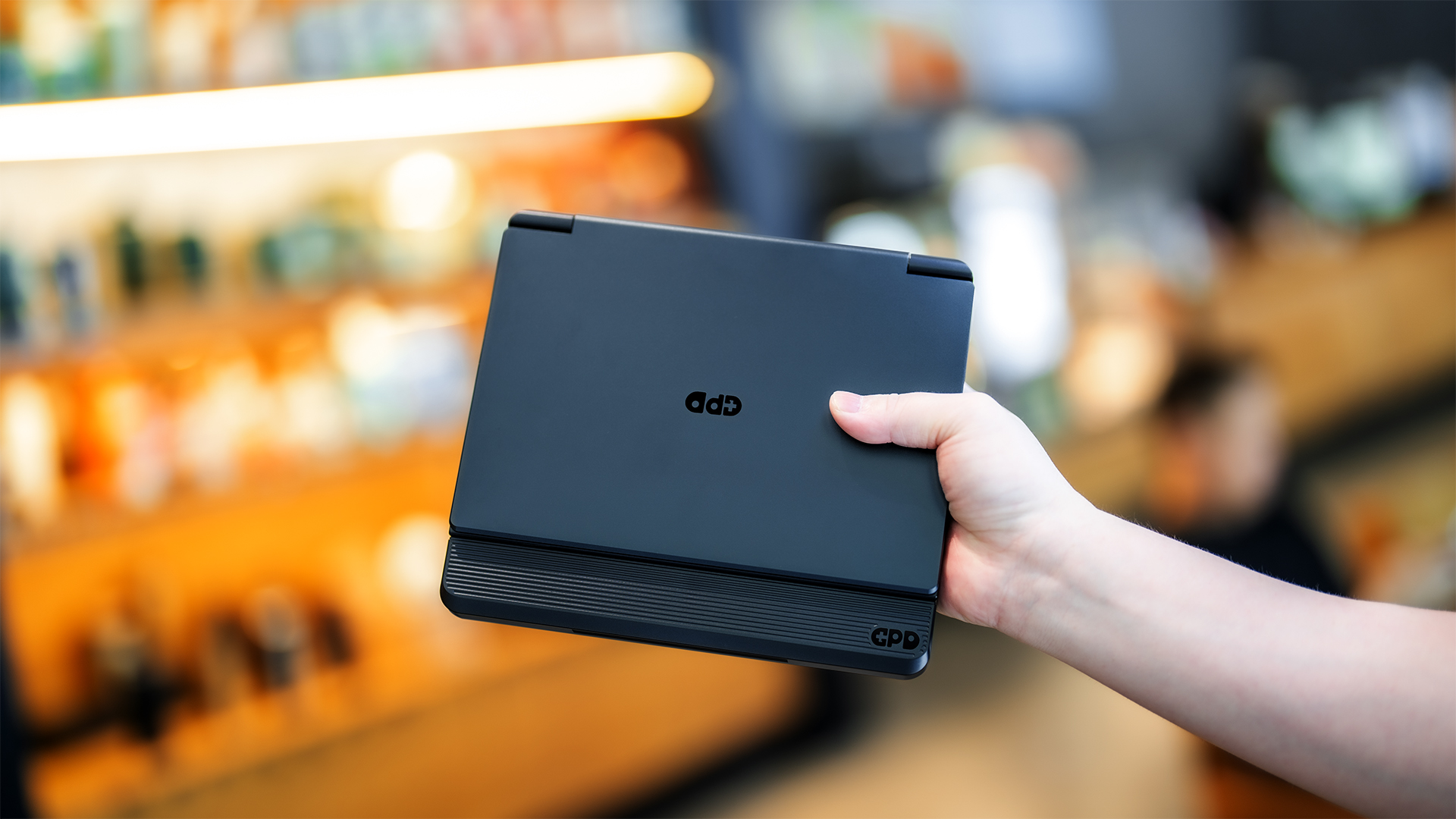
The GPD BOX Mini PC brings Intel’s Panther Lake platform to a compact desktop built for work, gaming, content creation, and local AI. It measures 175 × 134 × 39.5mm, weighs approximately 940g, and includes a built-in 160W GaN power supply, eliminating the need for a bulky external power brick.
The most important buying decision, however, is choosing between the Core Ultra 7 356H and Core Ultra X7 358H configurations. One prioritizes external GPU expansion, while the other offers significantly stronger integrated graphics.
GPD BOX 356H vs 358H
Both models use 16-core Intel Panther Lake processors and support up to 64GB of LPDDR5X-8533 memory, but their graphics and expansion capabilities are different.
The Core Ultra X7 358H model features Intel Arc B390 graphics with 12 Xe cores and up to 180 TOPS of total AI performance. It is the better choice for users who want stronger graphics without immediately adding a desktop GPU. It is suitable for content creation, local AI applications, media workloads, and light-to-moderate gaming.
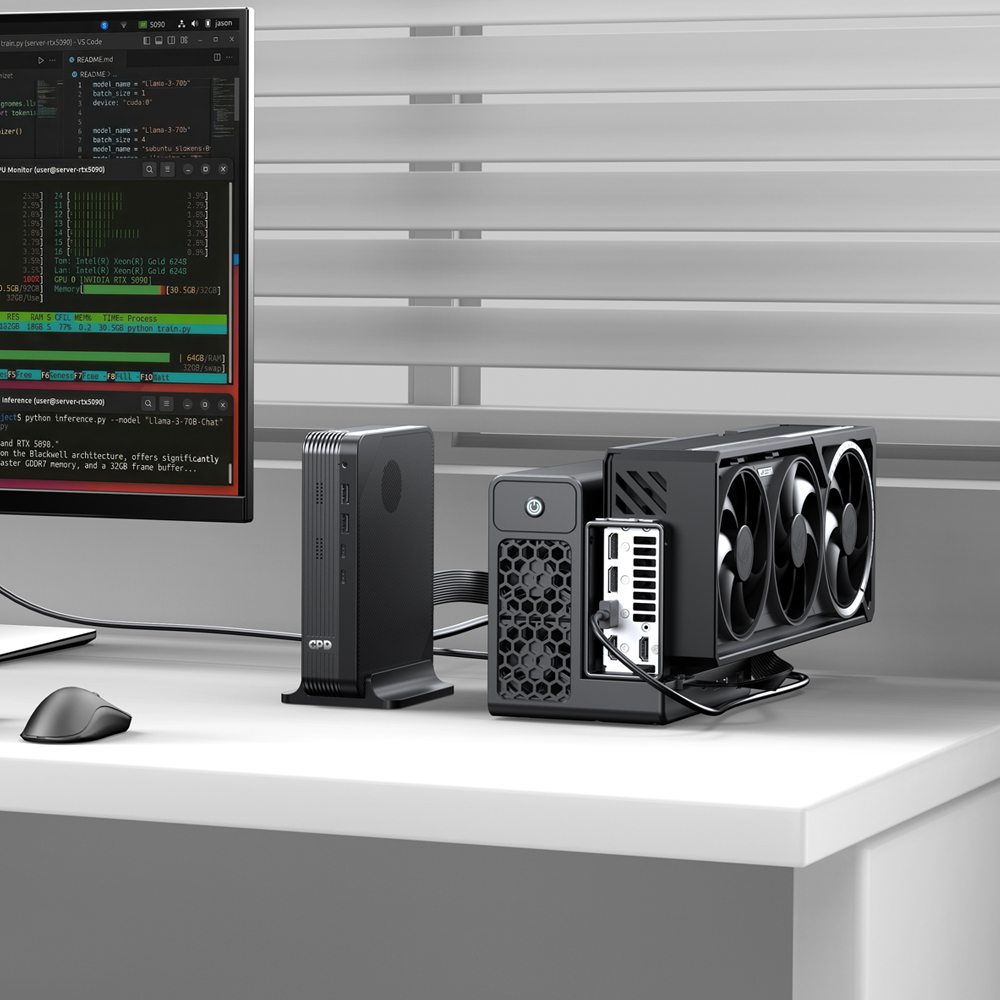
The Core Ultra 7 356H model has four Xe graphics cores and up to 100 TOPS of total AI performance. Its integrated graphics are less powerful, but it includes an MCIO 8i port for a high-bandwidth PCIe connection to an external graphics card.
| Requirement | Recommended Model |
|---|---|
| Stronger integrated graphics | 358H |
| Gaming without an external GPU | 358H |
| Local AI and creative applications | 358H |
| MCIO 8i support | 356H |
| Desktop GPU expansion | 356H |
| High-performance GPD G2 connection | 356H |
MCIO 8i is available only on the 356H version. The 358H model connects to external GPUs through USB4 v2.0.
Gaming and Graphics Performance
Intel Arc B390 gives the 358H model enough graphics capability for many modern games, especially at 1080p with appropriate quality settings. Intel XeSS can also improve performance in supported titles. Results will vary depending on TDP, resolution, drivers, and game optimization.
For more demanding gaming, GPU rendering, or AI workloads, the 356H model can connect to the GPD G2 eGPU dock through MCIO 8i. The 358H model also supports the GPD G2, but uses USB4 v2.0 instead.
This creates two upgrade paths: use the stronger Arc B390 graphics inside the 358H, or build a more expandable desktop graphics setup around the 356H.
Memory, Storage, and Connectivity
The GPD BOX supports up to 64GB of LPDDR5X-8533 memory. Because the memory is soldered and cannot be upgraded later, buyers should choose the capacity carefully. A 64GB configuration is more suitable for virtual machines, large creative projects, local AI, and long-term use.
Storage remains upgradeable through two M.2 slots: one PCIe Gen5 ×4 slot and one PCIe Gen4 ×2 slot.
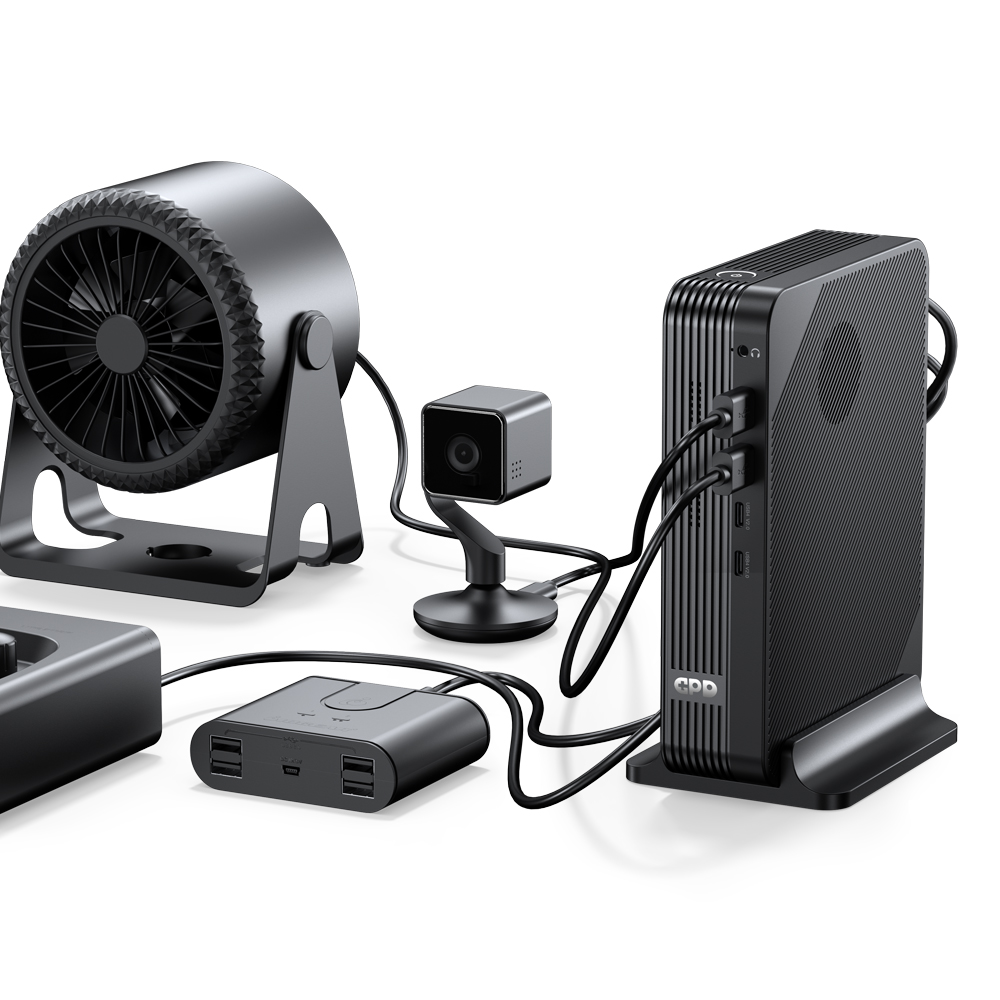
Connectivity includes two USB4 v2.0 ports with speeds up to 80Gbps, four USB-A 10Gbps ports, HDMI 2.1, DisplayPort 2.1, dual 2.5GbE Ethernet, Wi-Fi 6E, and Bluetooth 5.3. These display connections allow the GPD BOX to support up to four external monitors.
Cooling and Power Management
A dual-fan cooling system manages the processor and SSD separately. Four copper heat pipes help transfer heat during gaming, rendering, code compilation, and other sustained workloads.
The adjustable 15W–80W TDP range allows users to balance performance, power consumption, temperature, and fan noise. Higher settings can improve performance, but may also increase heat and fan speed.
Which GPD BOX Should You Choose?
Choose the 358H if you want stronger integrated graphics, higher AI performance, and a capable compact PC without an external GPU.
Choose the 356H if MCIO 8i and future desktop GPU expansion are more important. Both models offer fast memory, upgradeable storage, multi-display support, extensive connectivity, and compatibility with the GPD G2.
Ultimately, the decision comes down to one question: do you value stronger graphics inside the Mini PC, or a faster path to an external desktop GPU?
.png?w=1537&h=1023)