
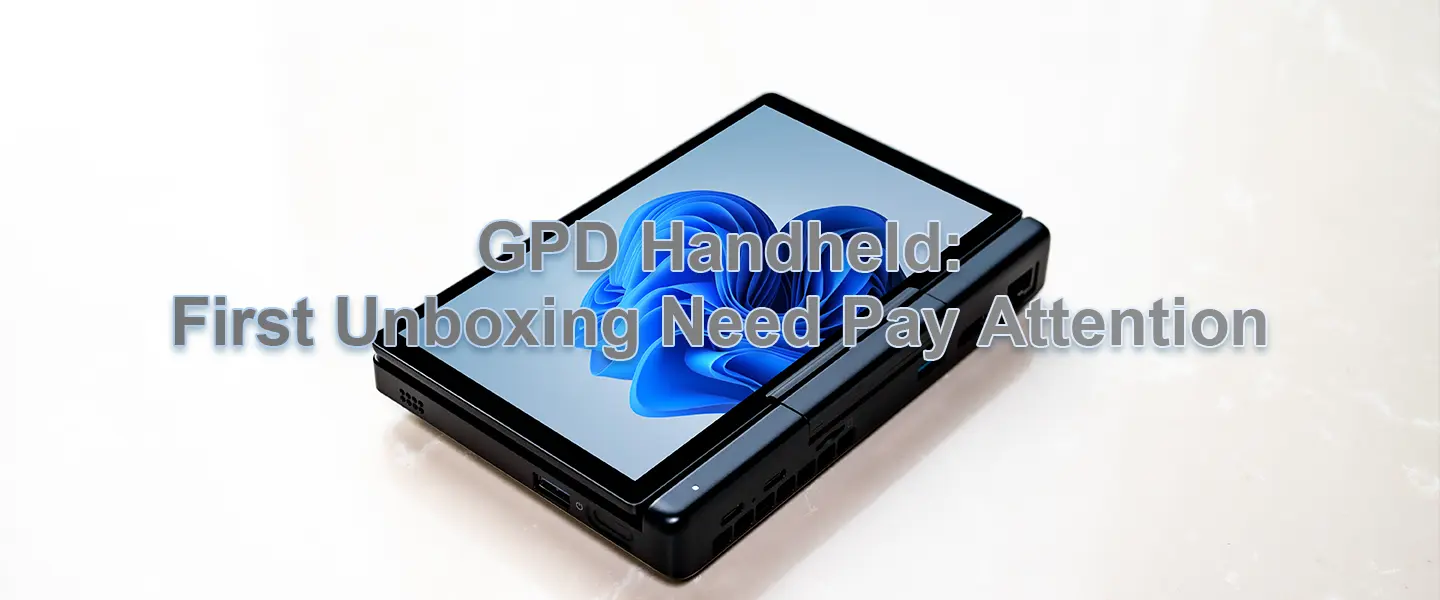
GPD mini handheld packs powerful performance into a compact body—portable and practical. Many people immediately start installing games or apps when they get a new unit, but spending a little time on checks and setup can prevent many problems down the road and extend the device’s lifespan. Below is a concise guide focused on the key things to pay attention to after you receive your device.
Unboxing and exterior inspection
When you open the package, first confirm that all accessories are included: the unit itself, charger/data cable, manual, and warranty card. Visually inspect the chassis and screen for dents, cracks, or scratches, and check that all ports (USB, HDMI, headphone jack, TF/SD card slot, etc.) are intact and not deformed. Photograph and save the invoice and serial number, and keep the original packaging in case you need to return or warranty the device.
Power and initial charging
Before powering on for the first time, charge the battery to near full. Prefer using the included charger or a reputable USB-C PD charger; avoid unknown fast chargers that may cause charging issues or damage the battery. Before you power on, make sure the charging port makes good contact and that any charging indicators or the battery level display behave normally.
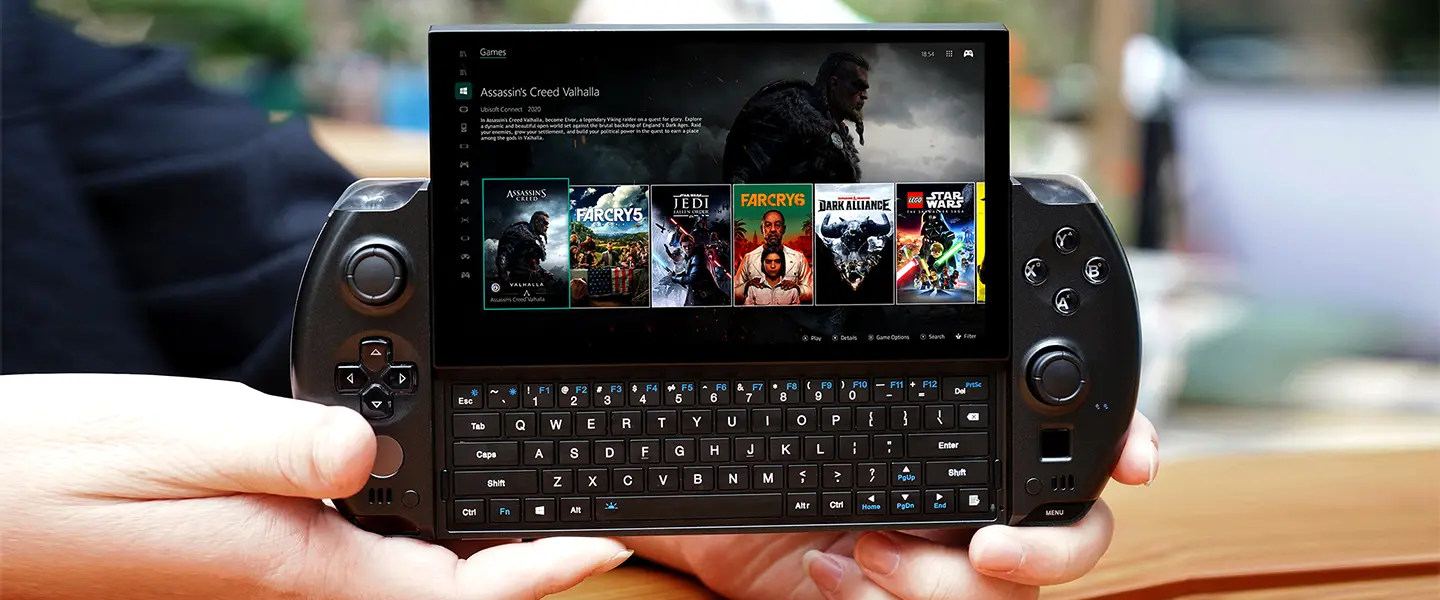
First boot and system updates
Follow the system prompts to set language, keyboard layout, and network connection. Getting online for the first time is important—many compatibility issues can be resolved by installing system patches and driver updates. Once connected, prioritize checking for system updates and installing necessary patches. Also verify that automatic updates and privacy settings match your personal preferences.
Drivers and firmware (be cautious)
Download manufacturer-recommended drivers from GPD’s official support page. If you need to update BIOS/UEFI or other firmware, follow the official instructions exactly, and perform the update only while the device is plugged in and has sufficient battery. Do not interrupt the process. If you are unfamiliar with flashing firmware, consult official guides or contact support first.
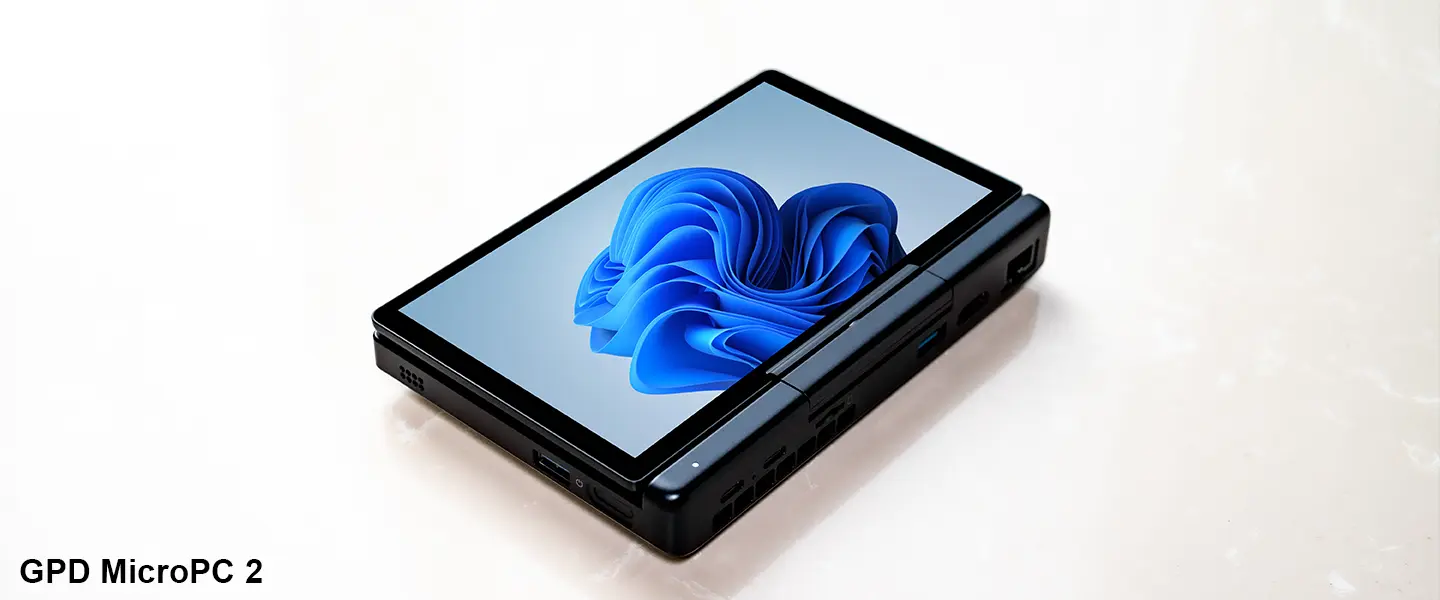
Software installation and storage management
Install apps through official channels or reputable app stores, and avoid running unknown executable files. Since the device can serve as both a handheld gaming console and a productivity machine, allocate storage sensibly: put large games on faster internal or external drives, and keep important documents synced to the cloud or backed up regularly. After you finish setting up the system, create a system restore point or a full image backup so you can quickly roll back if something goes wrong.
Performance and thermal considerations
The compact body limits cooling capacity, so choose a balanced power profile for everyday use to find a compromise between performance and temperature. For long gaming sessions or heavy workloads, ensure good ventilation and consider a cooling pad or external fan. Use monitoring tools to check temperatures and clock frequencies to avoid thermal throttling or long-term heat damage.
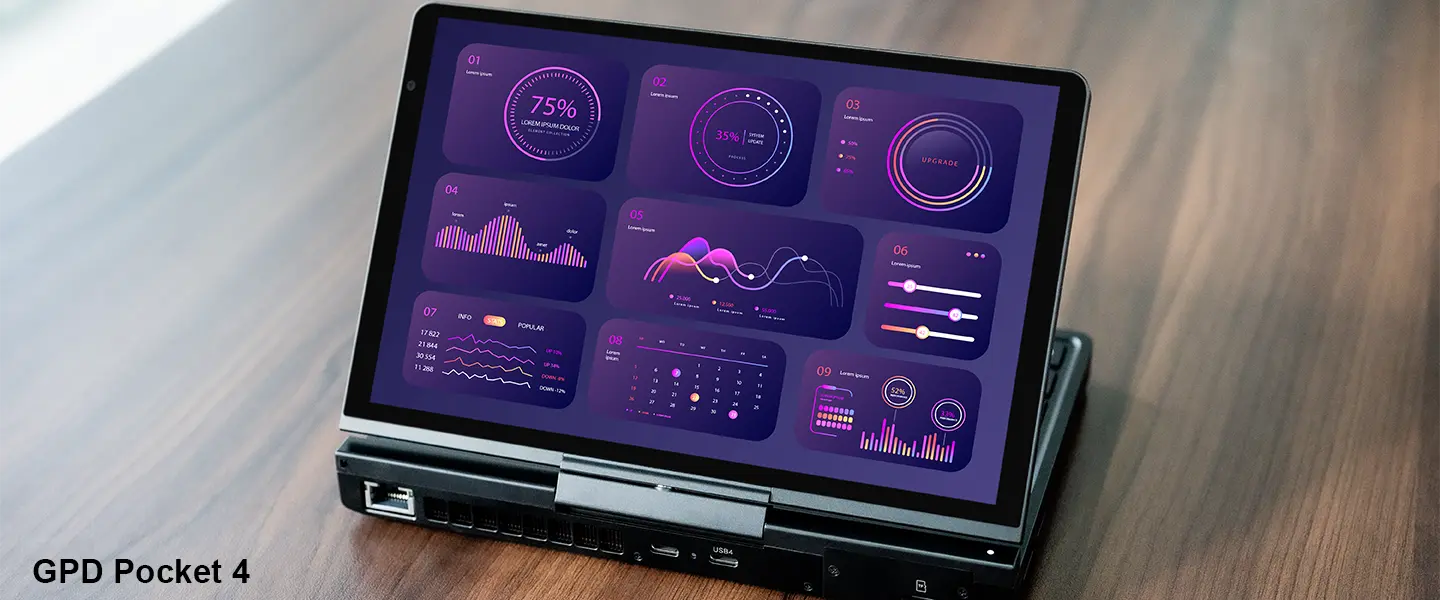
Data protection and recovery preparation
After initial setup, immediately create a system restore point or a full image backup, and enable cloud or external backup solutions to protect important data. Record the serial number, purchase receipt, warranty information, and links to common driver download pages so you can quickly locate resources later.
Daily tips and safety reminders
If you encounter minor issues, try rebooting first—many temporary problems are resolved that way. Don’t disable important security updates. Before making low-level changes (partitioning, flashing, or modifying BIOS), always back up and follow official guidance. If you notice physical damage or serious malfunction, contact the retailer or GPD support promptly and provide the serial number and proof of purchase to speed up processing.
When you receive a GPD mini PC, spending a few minutes on unboxing checks, initial charging, system and driver updates, backups, and a basic performance inspection can nip “new-device problems” in the bud. These steps help ensure stability and performance and make it easier to handle warranty or service issues if they arise. With proper preparation, your mini handheld will quickly become a reliable, long-term companion.