
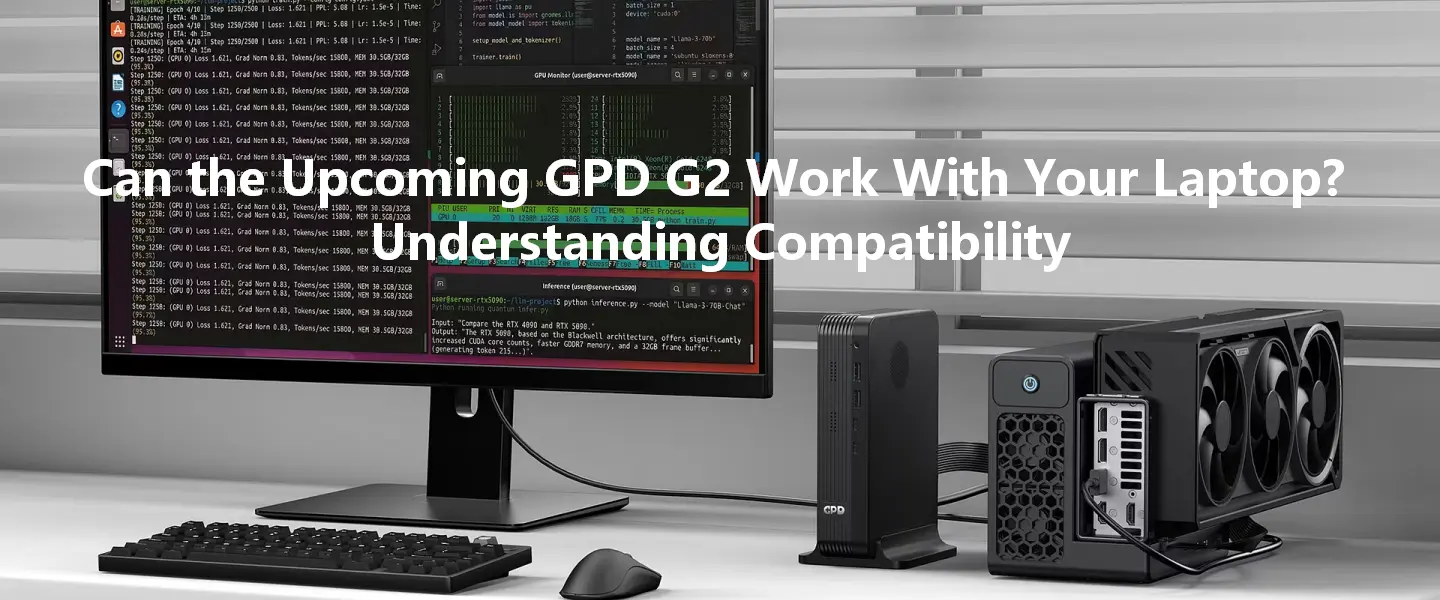

1、Compatibility Depends on the Connection, Not the Brand
As interest in the upcoming GPD G2 external GPU dock continues to grow, many users are asking whether the device is limited to GPD products or can also be used with laptops, mini PCs, and other computing devices.
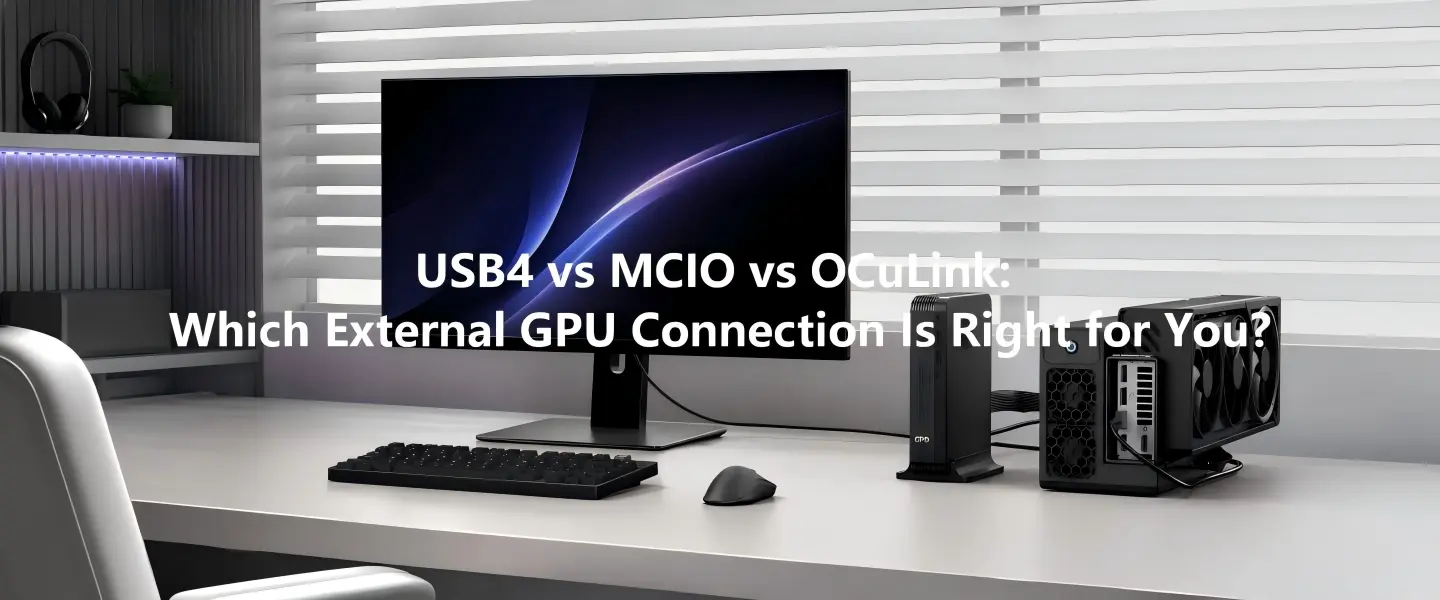
Based on the specifications currently published by GPD, the GPD G2 is designed around two high-speed connection standards: MCIO 8i and USB4 v2.0. This means compatibility is generally determined by the available port on the host device rather than the manufacturer itself. In most cases, a supported interface is the primary requirement when connecting an external GPU solution.
2、Multiple Connectivity Options Expand Potential Device Support
The GPD G2 supports the following connectivity options:
- MCIO 8i (PCIe Gen4 x8)
- USB4 v2.0
According to GPD's published specifications, the MCIO 8i interface provides up to 256Gbps of bidirectional theoretical bandwidth. USB4 v2.0 supports up to 160Gbps total bidirectional bandwidth in symmetric mode (80Gbps transmit and 80Gbps receive), while also supporting up to 100W Power Delivery for compatible devices.
Because the G2 utilizes widely adopted connectivity standards, it is not intended exclusively for GPD hardware. Depending on interface support and external GPU compatibility, potential host devices may include laptops, handheld gaming PCs, mini PCs, desktop PCs, and workstation-class systems.
3、GPD BOX and GPD G2 Are Designed to Complement Each Other
Alongside the GPD G2, GPD has also introduced the upcoming GPD BOX, the company's first mini PC platform built around Intel Panther Lake.
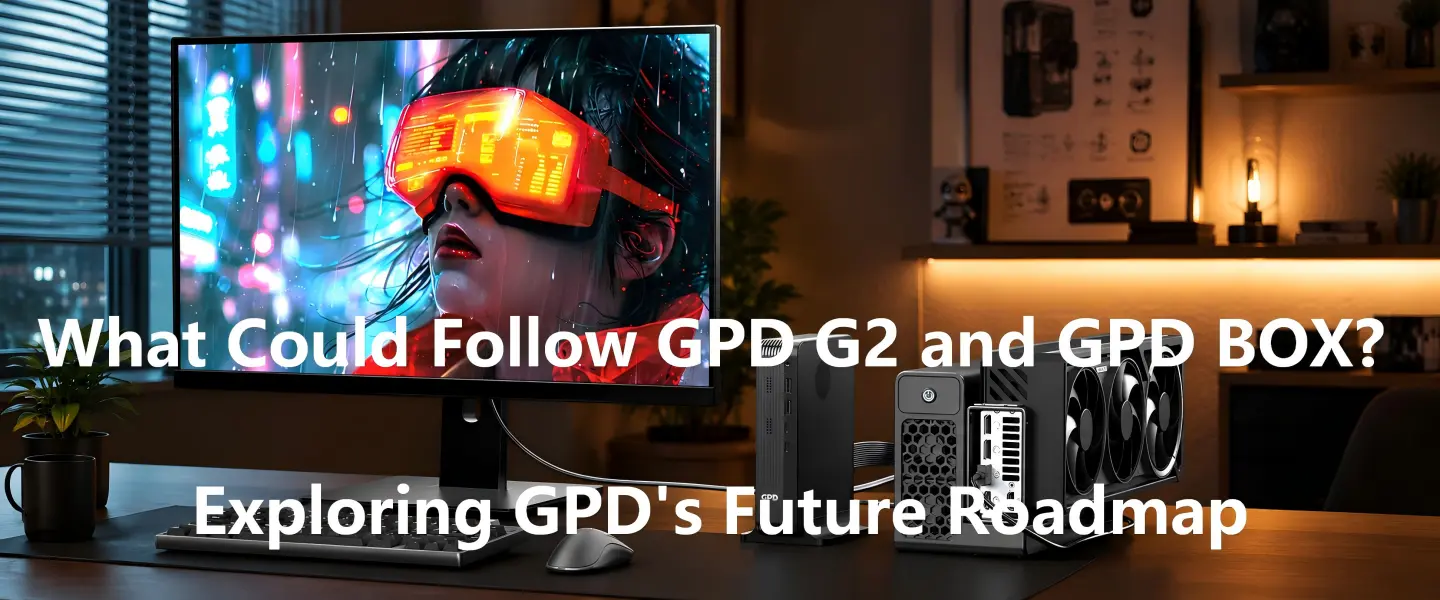
While these two products are frequently discussed together, it is important to understand that they are not dependent on one another. The GPD BOX is designed to operate as a standalone mini PC, while the GPD G2 can be used with compatible systems that support its available connection interfaces.
Where the combination becomes especially interesting is performance scalability. GPD is positioning the GPD BOX and GPD G2 as part of a broader high-performance ecosystem, allowing users to combine a compact desktop platform with high-bandwidth external graphics expansion when additional GPU performance is required.
4、Always Verify Interface Support Before Purchasing
Although the GPD G2 is designed with broad compatibility in mind, users should always verify their device specifications before assuming support.
Key factors to check include:
- Available connection interface (MCIO 8i or USB4)
- Device firmware and BIOS support
- Operating system compatibility
- Power delivery requirements when using USB4
- External GPU support on the host platform
It is also worth noting that performance can vary depending on the connection method used. MCIO 8i offers the highest available bandwidth in the GPD G2 ecosystem, while USB4 v2.0 provides wider compatibility across modern laptops, handheld gaming PCs, and compact desktop systems.