
Taking your handheld gaming PC on a trip sounds simple enough. Put it in your bag, grab a charger, and you're ready to go. But once you start packing, there are a few other things worth thinking about.
Whether you're heading out for a weekend, spending a few hours on a train, or bringing your games along on a longer trip, having the right essentials can make things much easier.
Devices like the GPD WIN Mini 2025 and GPD WIN 5 make it easier to enjoy PC gaming away from your desk. With a little preparation, you can keep your setup organized without filling your entire bag with accessories.
Here's what we'd recommend bringing along.
Start with Your Handheld Gaming PC
Your handheld is obviously the first thing to pack, but it's worth thinking about which device suits your trip.
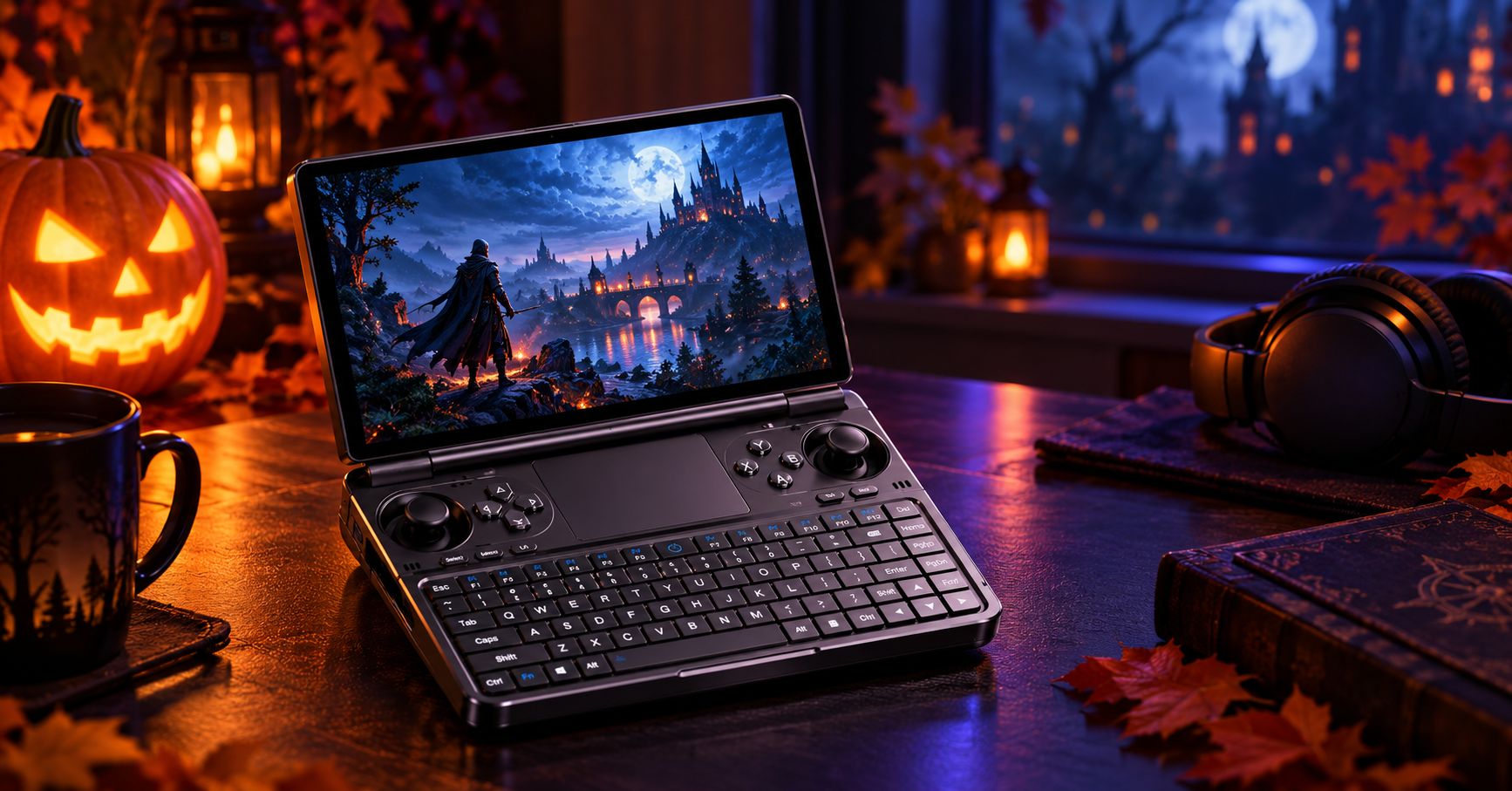
The GPD WIN Mini 2025 has a compact clamshell design, with a built-in keyboard and game controls. Its smaller form factor makes it a convenient choice when bag space is limited or you want something easy to carry around.
The GPD WIN 5 Game Console takes a different approach, with a traditional handheld layout and dedicated physical controls. It is worth considering if you prefer this style of gaming experience and have enough room in your travel bag for the device and its accessories.
Whichever you choose, give your device a quick check before leaving. Make sure the controls are working, the screen is clean, and your games are ready to launch.
It only takes a minute, but it's much better to discover a problem at home than halfway through a trip.
Protect Your Device with the Right Carrying Case
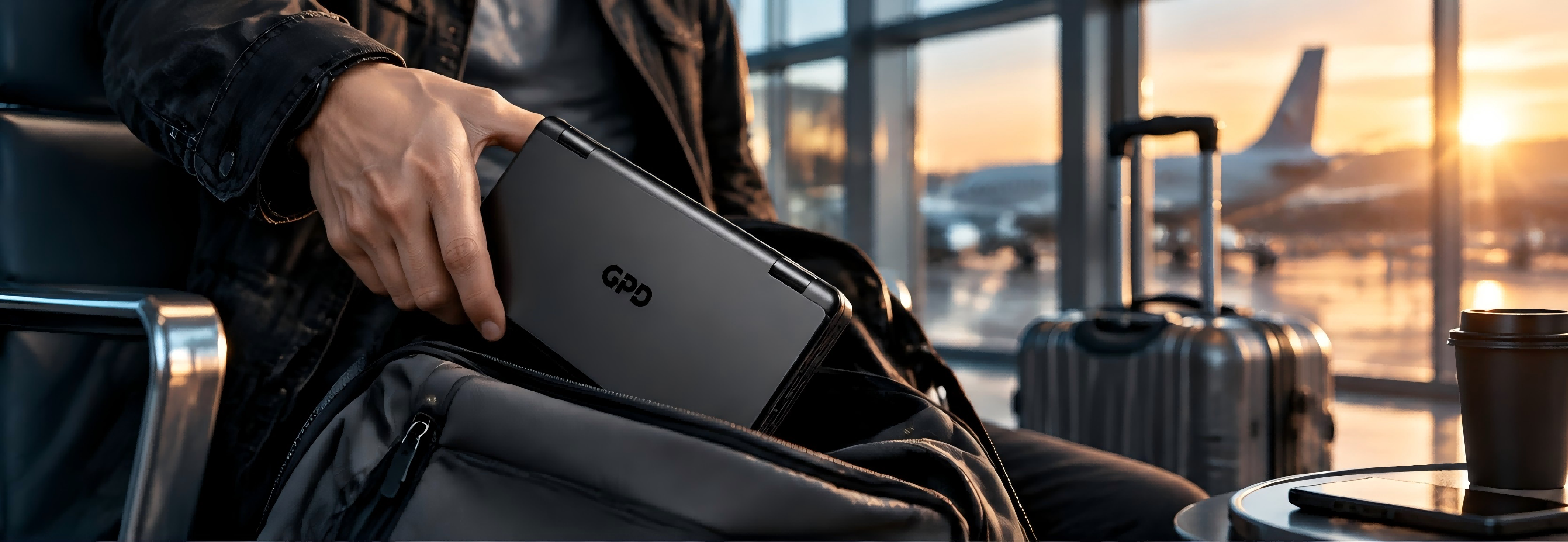
A handheld gaming PC may be portable, but that doesn't mean it should be thrown into a backpack without protection.
Keys, cables, chargers, and other everyday items can easily scratch a screen or put pressure on the controls when everything is packed together.
A dedicated carrying case helps keep your device separate from the rest of your belongings. It also makes it easier to organize your gaming equipment instead of having everything loose in your bag.
For example, the GPD WIN Mini 2025 Dedicated Protective Case and GPD WIN 5 Protective Case are designed for their respective devices. Choosing the correct model helps ensure a better fit rather than relying on a generic case that may leave too much room or put pressure on certain areas.
Before packing, make sure the device is properly positioned inside the case and that no cables or small accessories are pressing against the screen.
A little extra care goes a long way when you're carrying your gaming PC around.

Pack the Right Charger and Power Accessories
Running out of battery halfway through a journey is never ideal, especially when there's still a long way to go.
Before leaving, check your device's battery level and bring the appropriate charging equipment. It's important to use a charger that matches your specific model rather than assuming every handheld gaming PC uses the same power adapter.
For the GPD WIN Mini 2025, a compatible 65W charger is a suitable option. The WIN 5 has a different power setup, so make sure you bring its designated power adapter or another confirmed compatible option.
The WIN 5 also has a detachable external battery, which can be useful when you want an additional battery option for your setup. If you're carrying one, make sure it is stored securely and protected from contact with metal objects or anything that could damage its connectors.
If you're flying, remember to check the airline's rules for carrying spare lithium batteries before departure. Battery capacity and packing requirements can vary depending on the airline and route.
The main thing is to avoid last-minute charging problems. A quick check before leaving can save you quite a bit of frustration later.

Consider Useful Accessories for Your Setup
You don't need to bring every accessory you own. In fact, keeping your travel setup simple is usually a better idea.
Still, a few extras can be useful depending on how you plan to use your device.
If you use the GPD WIN Mini 2025 for longer gaming sessions, the GPD WIN Mini Hand Grip is an optional accessory worth considering. It is designed for the WIN Mini and can provide an alternative grip when playing handheld games.
For trips where you might want to connect your device to additional peripherals or an external display, a 9-in-1 Type-C Hub can also come in handy. It provides additional connectivity options, including USB ports, HDMI, and card readers. Just remember to check your device's port capabilities and compatibility before packing it.
Neither accessory is essential for every trip. Think about where you'll be playing and what you'll actually need before deciding what goes into your bag.
Download Your Games Before You Leave
One thing that's easy to overlook is whether your favorite games will actually be ready when you need them.
A hotel connection or public Wi-Fi network isn't always fast or reliable, and some places may have limited internet access.
Before leaving home, take a few minutes to check your game library. Download the games you plan to play, finish any pending updates, and make sure you have enough storage space.
It's also worth checking whether your chosen games support offline play. Some PC games still require an internet connection for account verification, launcher access, or certain in-game features.
If you plan to play during a flight or somewhere without reliable internet, it's better to find out about these requirements beforehand.
Once everything is installed and ready, you won't have to spend your travel time waiting for downloads.

Check Your Device Before Heading Out
Before closing your bag, run through a few final checks.
Make sure your device is properly shut down rather than left running in a backpack. Check that the battery, charger, and other accessories are packed securely, and keep small items together so they are easier to find later.
It's also a good idea to check how much storage space is available if you plan to download more games during your trip.
If you're bringing an external battery, pay attention to its storage and transportation requirements, particularly when flying. Avoid placing it where it could be crushed by heavier items.
Finally, don't forget the simple things: keep your device away from liquids, avoid leaving it in a hot car, and give it enough ventilation when you're using it.
These checks don't take long, but they can help prevent unnecessary problems while you're away.
Your Quick Gaming Travel Checklist
Still deciding what to pack? Here's a quick list to check before heading out:
- Your GPD handheld gaming PC
- The correct protective carrying case
- A compatible charger and charging cable
- An additional battery, if needed and compatible with your device
- Any useful model-specific accessories
- Your favorite games downloaded and updated
- Enough available storage space
- A quick check of your device before departure
You don't need to bring everything on this list. The best setup is the one that fits your device, your destination, and the way you like to play.
Conclusion
Taking your games on the go doesn't have to mean carrying a bag full of equipment.
A handheld gaming PC, a suitable protective case, the right charging accessories, and a few games ready to play are often enough for a comfortable trip.
Whether you're taking the GPD WIN Mini 2025 on a short outing or bringing your GPD WIN 5 along for a longer journey, a little preparation makes it easier to enjoy your games wherever you end up.
Pack what you need, leave out what you don't, and enjoy the journey.