
1、USB4, MCIO or OCuLink? Choosing the Right eGPU Connection
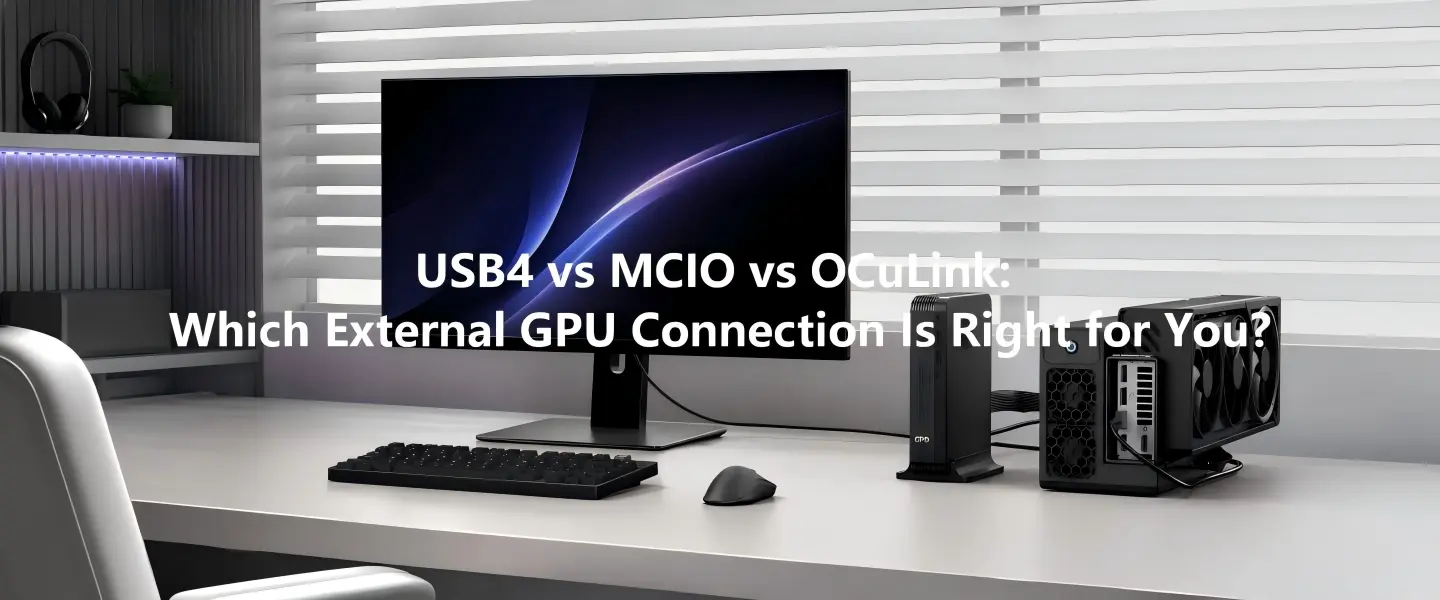
As external GPUs continue to grow in popularity, many users are asking the same question: Which connection should I choose—USB4, MCIO or OCuLink?
The answer depends less on which interface is "best" and more on the device you already own and how you plan to use it. Each standard offers different advantages in terms of compatibility, bandwidth and future expandability.
With products such as the GPD G2, GPD BOX, GPD WIN 5, GPD WIN Max 2 (2025) and GPD Pocket 4, GPD now supports multiple high-speed interfaces, making it important to understand where each one fits.
2、USB4: The Most Compatible Choice
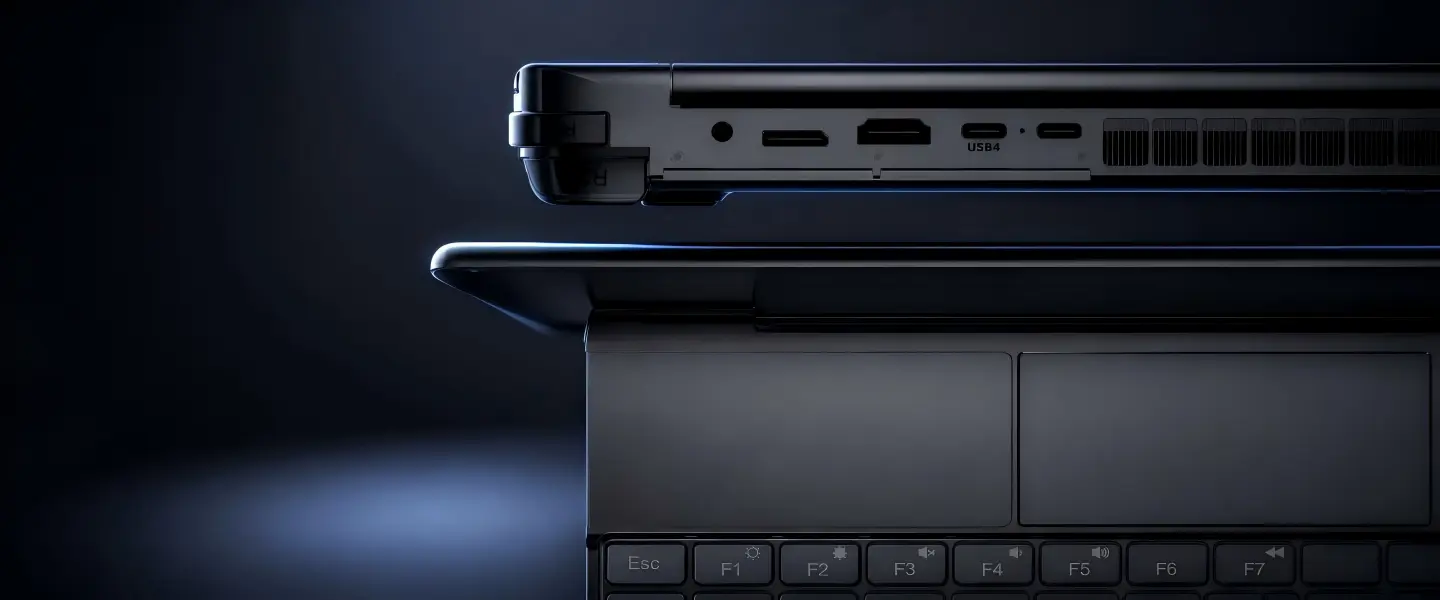
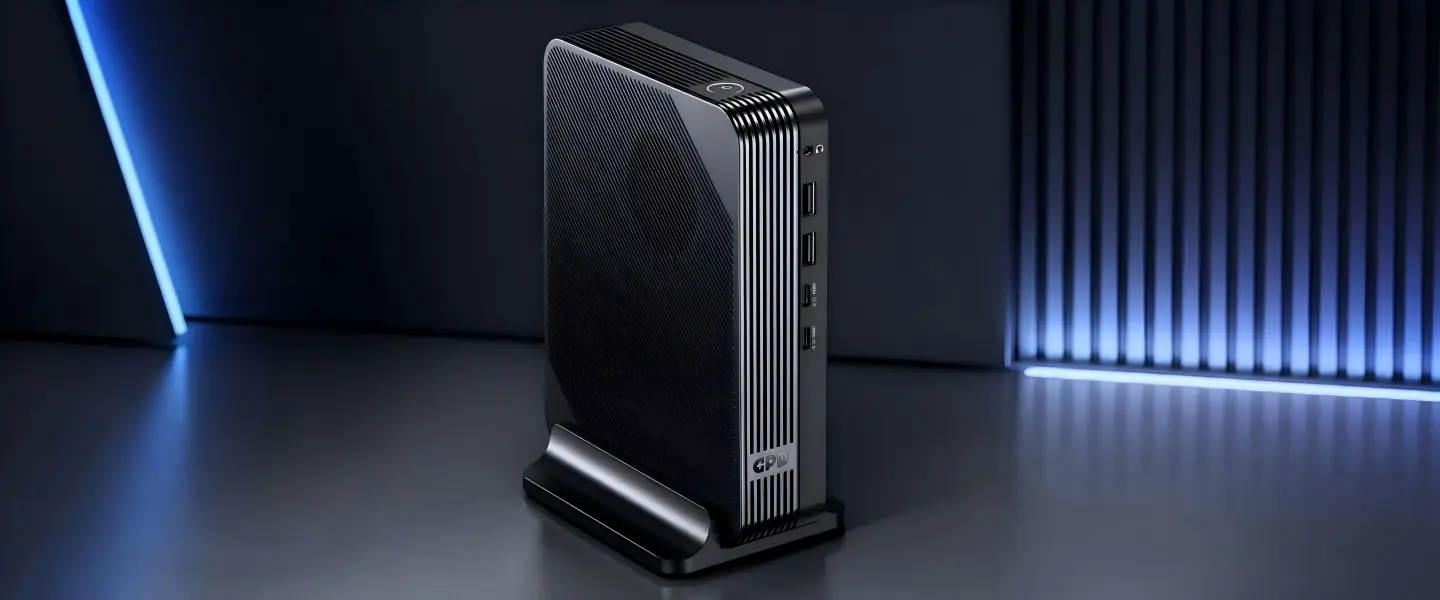
USB4 remains the easiest option for most users.
Many modern handheld gaming PCs, mini PCs and laptops already include USB4 or Thunderbolt-compatible USB-C ports, allowing external GPU docks to work with minimal setup.
Its biggest advantages include:
- Broad compatibility across different brands
- One cable for data, display and power delivery
- Easy plug-and-play experience
- Excellent for users who frequently connect different devices
The upcoming GPD G2 also supports USB4 v2.0, providing higher bandwidth while remaining backward compatible with previous USB4 and Thunderbolt devices where supported.
For users who value flexibility, USB4 is often the safest choice.
3、OCuLink: A Proven Solution for Enthusiasts
OCuLink has been a favorite among handheld PC enthusiasts for several years because it provides a direct PCIe connection with lower overhead than traditional USB-based solutions.
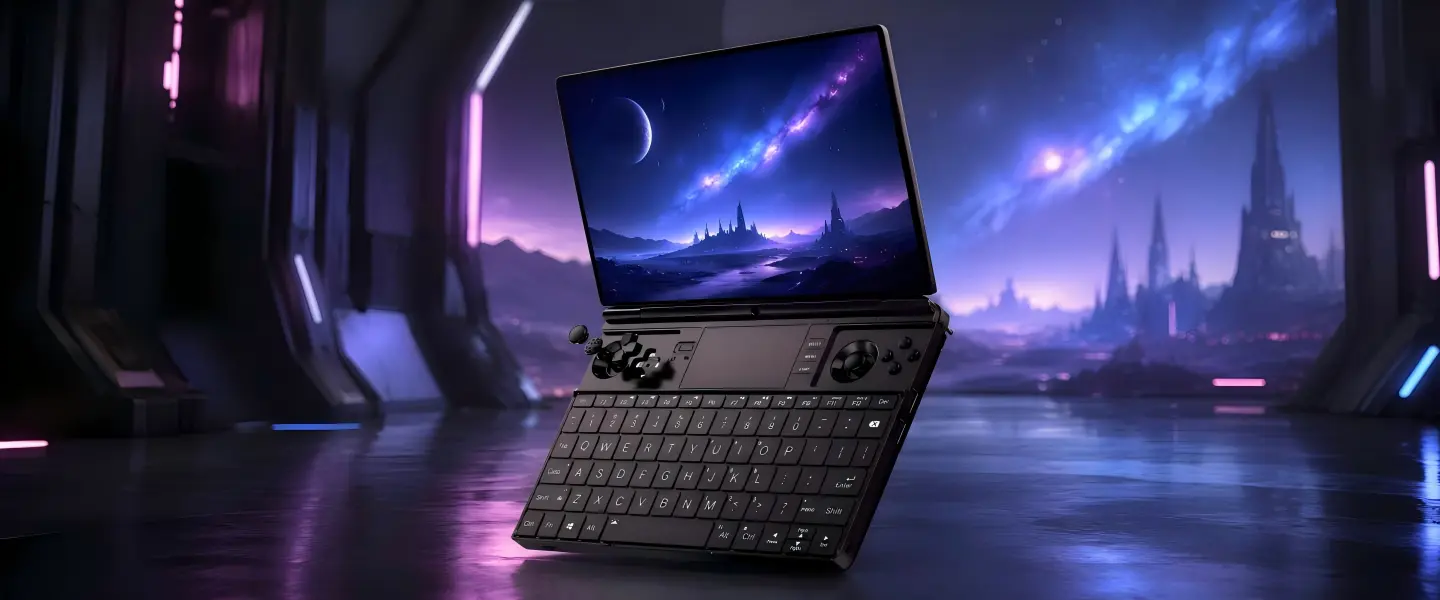
Devices such as the GPD WIN Max 2 (2025) continue to offer OCuLink, making them attractive for users who already own compatible eGPU hardware.
Although OCuLink is less common than USB4, it remains an excellent option for dedicated gaming setups where maximum performance is the priority.
4、MCIO: Designed for the Next Generation
MCIO is the newest interface entering the handheld and mini PC market.
Unlike previous generations, GPD is positioning MCIO as part of a broader high-performance ecosystem rather than simply another connector.
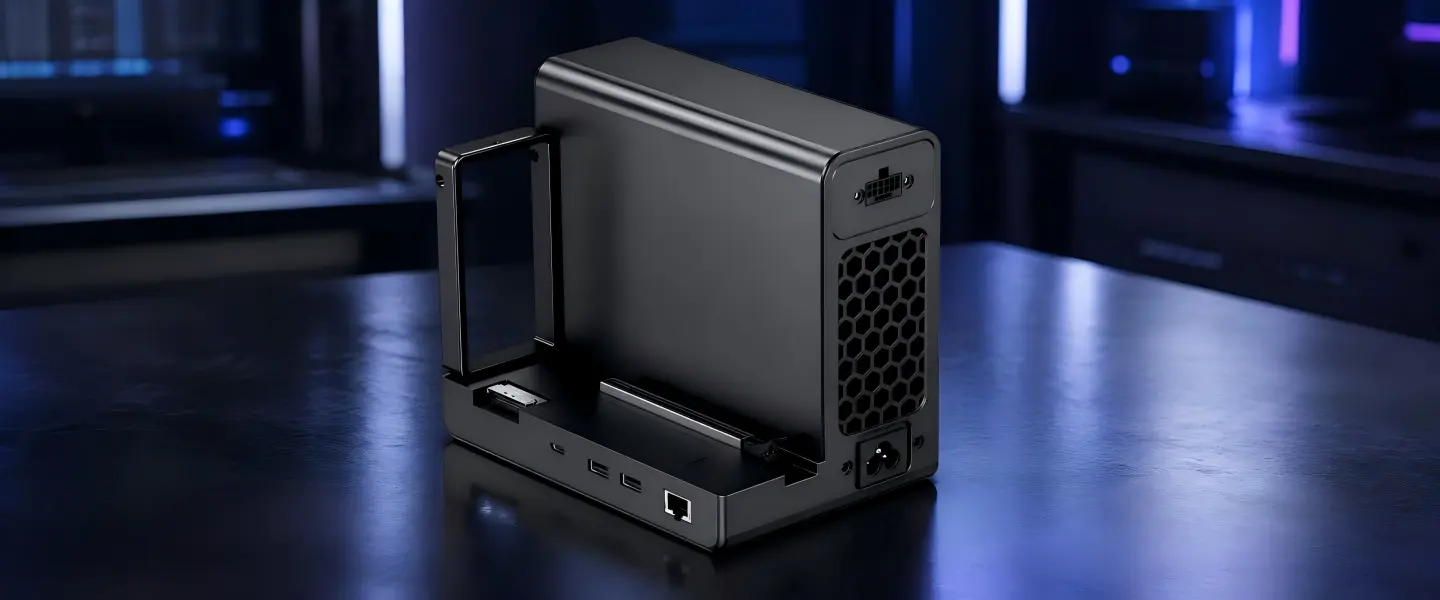
The upcoming GPD G2 features an MCIO 8i (PCIe Gen4 ×8) interface, while the GPD BOX (Core Ultra 7 356H version) includes an MCIO 8i (PCIe Gen5 ×8) port. When connected together, the PCIe link automatically operates at Gen4 ×8, allowing the GPD G2 to utilize its full supported bandwidth.
Importantly, the GPD G2 and GPD BOX are not dependent on each other. Each product functions independently, but when paired together they create a high-bandwidth modular desktop solution designed for users who want maximum graphics performance from a compact system.
5、Which Connection Should You Choose?
Rather than asking which interface is technically faster, it is often more useful to ask which one best matches your hardware.
| Connection | Best For |
|---|---|
| USB4 | Maximum compatibility across laptops, handhelds and mini PCs |
| OCuLink | Existing enthusiast systems with native OCuLink support |
| MCIO | Next-generation modular systems such as GPD G2 and GPD BOX |
If you already own a USB4 handheld, there's little reason to replace it just for a different connector. Likewise, users with an OCuLink-equipped device can continue enjoying excellent eGPU performance.
For buyers planning a completely new setup, MCIO represents GPD's newest expansion direction and is likely to become increasingly important in future products.
6、Final Thoughts
There is no single winner between USB4, MCIO and OCuLink.
USB4 offers the broadest compatibility, OCuLink continues to deliver excellent performance for existing enthusiast hardware, and MCIO introduces a higher-bandwidth path for GPD's latest modular ecosystem.
As products like the GPD G2 and GPD BOX become available, users will have more flexibility than ever when building a portable gaming or workstation setup. Understanding these interfaces before purchasing can help ensure your next device offers both the performance and expandability you need.
FAQ
Which eGPU connection is best: USB4, MCIO or OCuLink?
There is no universal winner. USB4 offers the widest compatibility, OCuLink remains an excellent choice for compatible enthusiast devices, while MCIO is designed for newer high-bandwidth modular systems.
Does USB4 support external GPUs?
Yes. USB4 supports external GPUs through PCIe tunneling and is widely used by many modern handheld gaming PCs, laptops and mini PCs.
Is MCIO faster than USB4?
MCIO provides a direct PCIe connection with significantly higher available bandwidth than standard USB4 implementations, making it well suited for next-generation external graphics expansion.
Is OCuLink still worth choosing?
Absolutely. If your handheld or mini PC already includes an OCuLink port, it remains one of the best-performing eGPU connection options available today.
Can the GPD G2 work with devices from other brands?
Yes. The GPD G2 is not limited to GPD products. Compatibility depends on whether the host device supports a compatible interface, such as MCIO 8i or USB4 with external GPU support.
Do the GPD G2 and GPD BOX need to be used together?
No. Both devices are fully functional on their own. The GPD BOX works as an independent mini PC, while the GPD G2 can connect to compatible devices from various manufacturers. Pairing them together simply unlocks the highest expansion potential within GPD's modular ecosystem.
.png?w=1254&h=1254)
.png?w=1537&h=1023)